Plate Design Made Simple
Intuitive visual mapping for microplates and sample racks. Design, organize, and export your experiments without the spreadsheet headache. Now with full support for Tubes & Racks.
✓ 100% free ✓ No account required ✓ No credit card
Stop Wasting Time in Excel: Design Layouts in Seconds
If you are running ELISAs, PCRs, or high-throughput screening assays, you know the frustration of manual plate mapping. Planning out standards, blanks, controls, and hundreds of samples across a 96-well or 384-well plate using spreadsheets is tedious, time-consuming, and highly prone to human error.
A single mistake in your microplate layout can compromise an entire experiment, wasting expensive reagents and days of hard work. Our Well Plate Design Tool replaces outdated spreadsheets with a fast, intuitive, and visual interface.
Why Use a Digital Plate Designer?
Our web-based platform is designed specifically for laboratory workflows, helping researchers digitize and accelerate their assay planning process.
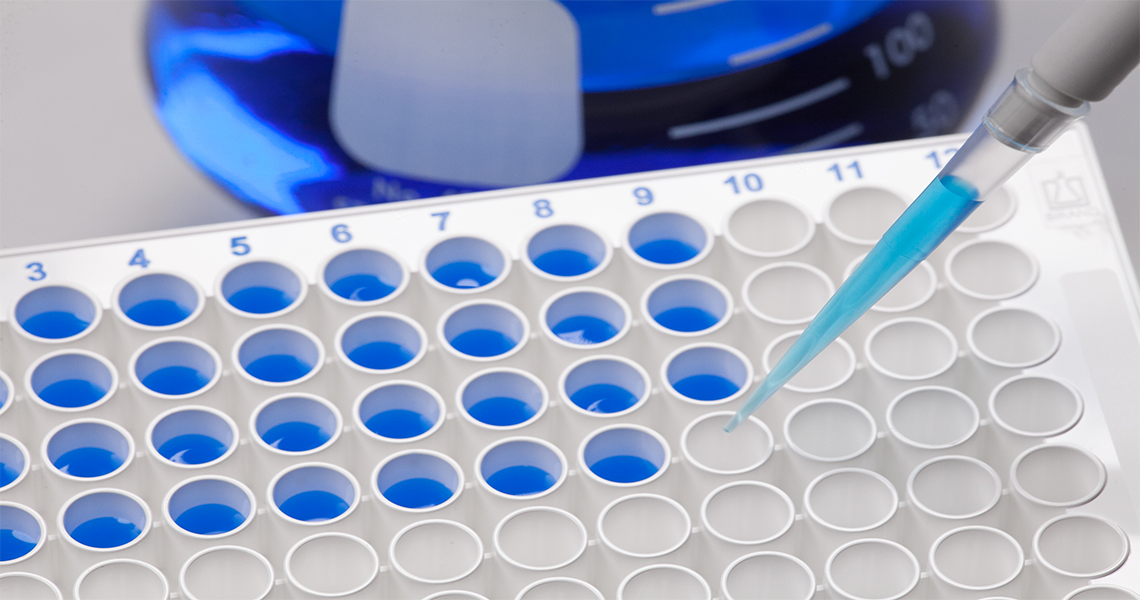
Accelerate Assay Setup
Assign samples, controls, and standards by clicking wells, dragging a selection, or toggling whole rows and columns. No more manual typing.
Every Standard Format
6, 12, 24, 48, 96 and 384-well plates. Dose-based color shading shows relative concentrations at a glance.
Tubes & Racks
Beyond microplates: manage sample tubes with unique IDs, content notes, and color-coded identification.
Export & Share
Export print-ready PDFs, SVG, PNG or JPEG images for your lab notebook or ELN, or save a .wellplate file to reopen and edit later.
€0
No paid plans, no trial
6 → 384
Well formats supported
5
Export formats
0
Ads or trackers
well-plate vs. the usual way
Most labs still map plates in spreadsheets or on printed templates. Here is how they compare.
| well-plate | Spreadsheet | Paper template | |
|---|---|---|---|
| Visual, color-coded well map | ✓ | Manual cell formatting | Hand-drawn |
| Select whole rows, columns or areas | ✓ | Copy & paste | ✕ |
| Dose shown as color intensity | ✓ | Conditional formatting setup | ✕ |
| Print-ready PDF in one click | ✓ | Page setup tweaking | Photocopy |
| Saved in the cloud, open anywhere | Free account | Depends on your setup | ✕ |
| Ready to use | Seconds, no install | Build a template first | Immediately |
| Cost | Free | Free to paid license | Free |
Before you start
The questions researchers ask us most. Something missing? Write to the team.
Is it really free? +
Yes. Every feature is free, with no trial period, no usage limits and no ads.
Do I need to create an account? +
No. Both editors work without signing up, and nothing you design is sent to our servers. A free account only adds cloud saving and autosave.
Is my data safe? +
We don't sell your data and we don't use ad or analytics trackers. Saved projects are protected at the database level, so only your account can read or change them. Read the privacy policy →
What if well-plate stops existing? +
Your exported PDF, SVG, PNG and JPEG files are standard formats that stay on your computer and open anywhere. Your work is never locked inside the app.
Can it send layouts directly to my plate reader or liquid handler? +
Not today. Layouts are exported as documents and images for your notebook, ELN or bench. If direct instrument export would help your lab, tell us which instrument: user requests shape what we build next.
Does it work on phones and tablets? +
The designer is built for desktop and laptop screens, where you have room to work on a full plate. On small screens you'll be asked to switch to a computer.
Free for Every Lab
No paid plans, no ads, no data selling. well-plate is built and hosted by a small independent team. If it saves you time in the lab, you can help keep it running.
Support developmentHave feedback or suggestions?
We'd love to hear from you! Your input helps us improve Well Plate Designer.
Contact Us